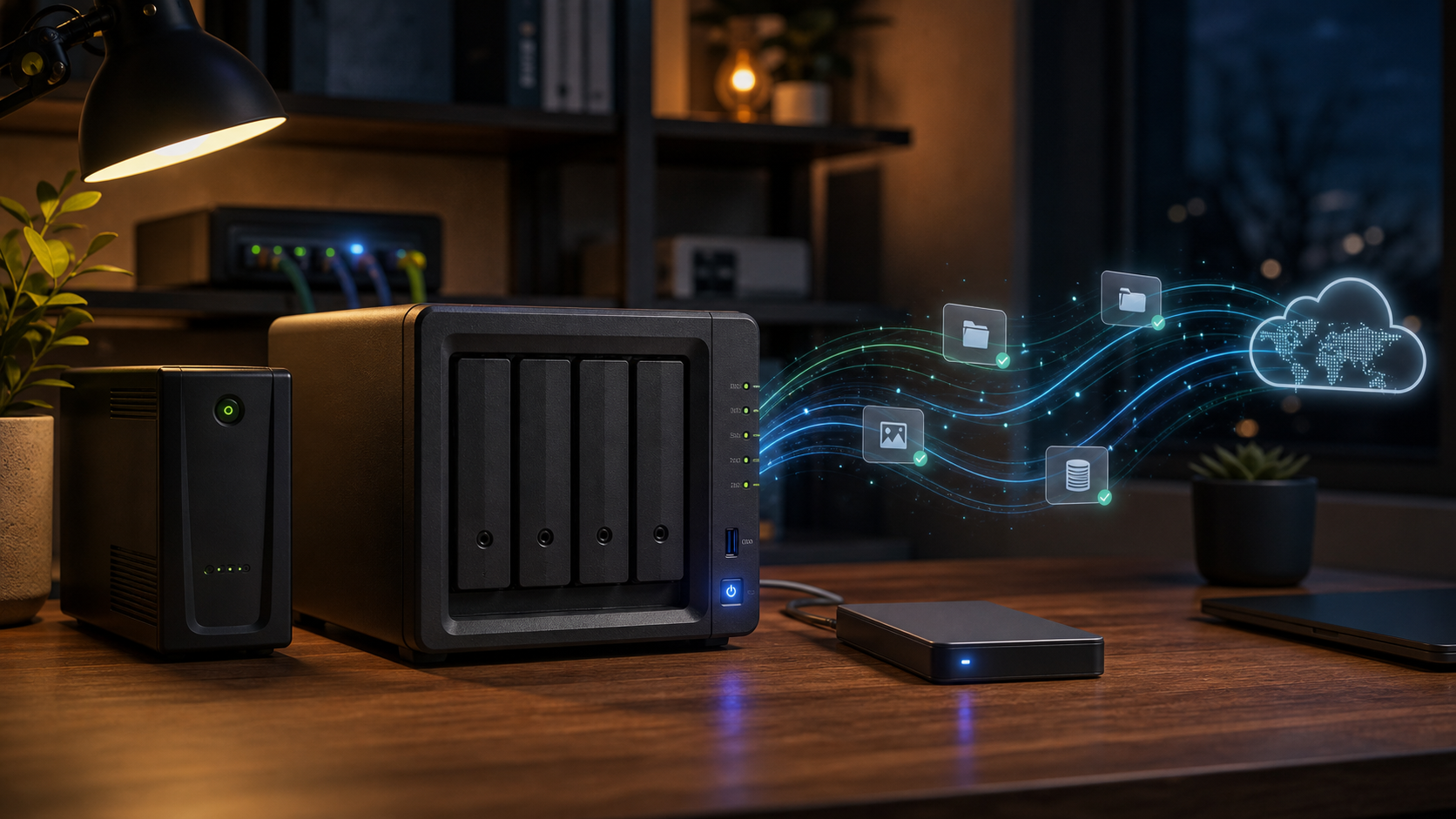
Most homelab diagrams start with the fun parts: the NAS, the containers, the dashboards, the automations, the small machines doing useful little jobs around the house. Backup diagrams are usually less glamorous. A few arrows to a NAS, maybe one more arrow to the cloud, and the comforting feeling that important files probably exist in more than one place.
In short: I want the NAS to be the local backup hub, Synology DSM to handle snapshots and Hyper Backup jobs, USB disks to provide an offline copy, cloud storage to provide encrypted offsite history, and Prometheus plus ntfy to tell me when the system stops doing its job.
That word, “probably”, is the problem.
I do not want a backup strategy that looks reassuring in a diagram. I want one that answers boring, specific questions: what happens if I delete a folder by mistake? What happens if the NAS dies? What happens if ransomware encrypts a mounted share? What happens if storage gets corrupted despite the UPS and clean shutdown path? What happens if I have to rebuild the whole thing on different hardware?
So this is the target architecture I want my homelab backups to move toward: not just more copies, but copies that fail for different reasons, are encrypted where they leave the house, and are tested often enough that “restore” is not a theory.
The rule behind the design
The common version is the 3-2-1 rule: keep three copies, on two different types of media, with one copy offsite. For a homelab, I think the more useful target is closer to 3-2-1-1-0:
- three copies of important data
- two different storage types or systems
- one offsite copy
- one offline or immutable copy
- zero untested restores
The last two matter more than they look. A cloud sync is useful, but it is not the same thing as an offline backup. If a bad script deletes a directory and that deletion syncs perfectly to the cloud, the cloud did its job and I still lost the data. Likewise, a backup I have never restored from is mostly a hope with timestamps.
The goal is not to back up everything with the same level of paranoia. The goal is to classify data by how painful it would be to lose, then give each class the right recovery path.
| Layer | Job | In this setup |
|---|---|---|
| Local hub | Fast recovery and one place to collect backups | Synology DSM |
| Snapshots | Quick rollback from mistakes | DSM Snapshot Replication |
| Offsite | Survive local loss | Encrypted Hyper Backup to cloud |
| Offline | Survive compromised or damaged online copies | Rotated USB disks |
| Monitoring | Notice broken backup jobs | Prometheus and ntfy |
| Restore tests | Prove the plan works | Scheduled restores from NAS, cloud, and USB |
What needs protecting
In my setup, the important things fall into a few buckets.
Irreplaceable data is the obvious one: documents, photos, personal notes, scanned paperwork, source repositories, and anything else that cannot be recreated from a package manager or a public download.
Service state is the data that makes self-hosted apps mine: Docker bind mounts, named volumes, databases, Home Assistant backups, Gitea repositories, application config, and the little bits of state that are easy to forget until a restore fails without them.
Rebuild information is everything needed to reconstruct the machines: compose files, .env files, systemd units, NUT configuration, firewall notes, package lists, and the “why is this weird thing configured this way?” documentation that future me will absolutely need.
Convenience data is useful but not precious: media files, caches, generated reports, downloads, and anything I would be annoyed to lose but not devastated by.
Those buckets should not all get the same policy. Photos deserve versioned, offsite, offline protection. A container image cache does not.
| Data class | Examples | Backup policy |
|---|---|---|
| Irreplaceable | photos, documents, notes, source repositories | NAS, snapshots, encrypted cloud, offline USB |
| Service state | Home Assistant, Gitea, app data, databases | app-aware export to NAS, then cloud and USB |
| Rebuild information | compose files, .env references, NUT config, systemd units | Git where safe, NAS backup for secrets and local-only files |
| Convenience | media, downloads, generated reports | NAS if useful, lower retention, no drama |
| Ephemeral | caches, container images, build artifacts | usually not backed up |
The NAS is the hub, not the backup strategy
The NAS is the center of the design because it is the easiest place for every machine to send backups. In my case that NAS is a Synology running DSM, which gives me a few useful primitives out of the box: shared folders, Time Machine support, snapshots, notifications, USB disk handling, and Hyper Backup for versioned backup jobs. Home Assistant can push scheduled backups to it. Macs can use it as a Time Machine target. Linux machines can send restic, borg, kopia, or plain snapshot artifacts to it. Docker hosts can dump databases and copy application state to it.
But the NAS is not the strategy by itself. It is just the first aggregation point.
The layout I want is explicit enough that each source has its own place:
| |
That structure matters less than the habit behind it: every source should have an obvious owner, an obvious schedule, and an obvious restore procedure. If I cannot tell what created a backup or how to use it, the backup is already weaker than it looks.
On DSM, I want Snapshot Replication enabled for the important shared folders where it is available. Snapshots are not a substitute for backup, because they live on the same system, but they are excellent for fast recovery from accidental deletion, bad sync jobs, and “I changed this file yesterday and now regret it” moments.
Docker apps need app-aware backups
Backing up Docker compose files is necessary, but not sufficient. A compose file tells me how to start the container; it does not necessarily contain the application state.
For each Docker app, I want four things backed up:
- the compose file
- the environment file or secret reference
- bind-mounted application data or named volumes
- database dumps created by the database itself
That last point is where a lot of homelab backups get fragile. Copying a live database directory may work until the day it does not. For Postgres, MariaDB, SQLite-backed apps, and similar systems, the backup job should either use the application/database’s recommended export mechanism or stop/quiesce the service before taking the copy.
In practice, the pattern should be boring:
| |
The restore procedure should be just as boring:
| |
If I cannot write that procedure down for an app, I do not really have a backup of that app yet.
Home Assistant gets its own lane
Home Assistant OS already has a good backup concept, so I do not want to fight it. The ideal version is simple:
- scheduled Home Assistant backups
- automatic copy to the NAS
- NAS backup copied onward to cloud and offline storage
- occasional restore into a test VM or spare install
The last item is the important one. Home Assistant is full of integrations, devices, add-ons, secrets, and local assumptions. A backup file existing on disk is not the same thing as knowing that I can restore it and have the house come back in a sane state.
For this category, I care less about elegant tooling and more about a tested recovery note: where the backup lives, what credentials I need, what device integrations might need manual attention, and how I know the restore worked.
The small machines count too
It is easy to forget the little infrastructure boxes because they do not feel like data stores. My NUT server is a good example. If it disappeared, I could probably rebuild it from memory, but “probably” is exactly what this strategy is trying to remove.
For small utility machines, I want a lightweight backup of:
/etcfiles specific to the service- systemd units and timers
- scripts
- package list or install notes
- any local state that is not disposable
For something like a NUT server, that means backing up /etc/nut/, notification scripts, and service overrides to the NAS, while also keeping the non-secret parts in Git. The backup does not need to be large. It just needs to make rebuilds boring.
Gitea is not just “on the Mac”
Time Machine is good for recovering a Mac. It is not automatically a good application-level backup for every service that happens to run on that Mac.
For Gitea, I want a dedicated backup path: repositories, database, app.ini, custom templates, LFS data if used, and the pieces that make Git-over-SSH work. In my case SSH is enabled through Gitea’s built-in SSH server, so the restore procedure needs to account for Gitea’s SSH host keys, the configured SSH port, and the user/container mapping that lets Git operations reach the right repositories. Gitea has its own dump command, and that should be part of the plan rather than relying only on a filesystem-level Mac backup.
The reason is simple: restoring the web UI is not the same thing as restoring the developer workflow. If the repositories and database come back but every remote now fails on git push, the backup is incomplete.
The nice property of an app-native Gitea backup is that it can be restored somewhere else. That is the bar I care about. If the Mac dies, I should be able to bring Gitea up on another machine without first resurrecting the Mac exactly as it was.
Cloud backup should be encrypted and versioned
The cloud copy should not be a raw mirror of the NAS. It should be an encrypted, versioned backup repository.
The exact tool matters less than the properties:
- client-side encryption before data leaves home
- versioned snapshots
- retention policy
- integrity checks
- credentials with the smallest practical permissions
- restore procedure documented outside the backup itself
restic, borg, kopia, and similar tools all fit this model better than a blind sync. Since the NAS is Synology DSM, Hyper Backup is also a natural option here: it can send versioned, encrypted backups to cloud providers, rsync destinations, another Synology, or local USB storage. The important part is not the brand of tool, but that the cloud target is a backup repository with history, not just a synchronized copy of today’s mistakes.
The cloud provider is allowed to disappear from the recovery path for local failures, and the local NAS is allowed to disappear from the recovery path for cloud restores. If both are required at the same time, the design has a hidden coupling.
USB disks are for offline recovery
The USB disk is not there because I enjoy plugging in drives. It is there because offline storage survives a different class of failures.
On DSM, this is a good fit for a Hyper Backup task targeting an external USB disk. An ideal USB backup flow looks like this:
| |
Even better, rotate two disks: one at home, one somewhere else. That is less convenient than a permanently attached drive, but convenience is not the job of this copy. Its job is to be unreachable when a compromised machine, broken script, or accidental deletion tries to destroy everything it can see.
This is the copy I want if the NAS and cloud repository are both logically damaged. Not because that is likely, but because that is the kind of failure that makes every online copy suspect at the same time.
A second NAS is useful if it changes the failure mode
An offsite NAS would be a good future upgrade, but only if it is not just another always-mounted destination with a different hostname.
The best version is pull-based: the offsite NAS connects in, pulls encrypted backup artifacts, and stores them with its own retention. That way, if the primary NAS is compromised, it cannot trivially reach out and delete the offsite copy with the same credentials it uses for normal backups.
If that is too much complexity, cloud plus rotated USB disks may be a better tradeoff. The point is not to collect backup destinations. The point is to avoid shared failure modes.
Monitoring is part of the backup system
A backup job that fails silently for three months is not a backup job. It is a delayed surprise.
Every recurring backup should report somewhere when it succeeds and when it fails. In my homelab, that means Prometheus for machine-readable state and history, and ntfy for the human-facing “you need to look at this” notification. The tooling is less important than the invariant: if a backup stops running, I should find out before I need it.
DSM’s own notifications should be part of this too. If a Hyper Backup task fails, a USB disk is not mounted, a volume degrades, or a snapshot job stops running, that should end up in the same alerting path as the rest of the homelab health checks.
The signal I want from each job is small:
- last successful run
- duration
- size or number of changed files
- destination
- verification status
- retention/prune result
Those fields are enough to spot most weirdness: a job that stopped running, a backup that suddenly became tiny, a cloud upload that never finished, or a prune operation that failed and left the repository growing forever.
Restore tests make it real
This is the part I most want to make non-optional.
I want a small restore calendar:
- monthly: restore a random document or photo from NAS and cloud
- quarterly: restore a Docker app into a temporary directory or VM
- quarterly: restore a Home Assistant backup into a test instance
- yearly: simulate losing the NAS and recover the most important data from cloud or USB
The test does not have to be dramatic. It just has to be real. A restored file should open. A restored database should start. A restored Home Assistant instance should boot far enough to prove the backup is usable.
The restore notes should live somewhere I can reach during an outage. A recovery plan stored only on the NAS it is meant to recover is a joke with excellent formatting.
The target architecture
The architecture I want to end up with looks like this:
| |
It is not the most exotic setup. That is a feature. The best backup strategy for a homelab is one I will actually maintain when nothing is on fire.
My checklist before calling this done
Before I consider this strategy real, I want to be able to check off the following:
- every important service has a documented restore procedure
- every database has an app-aware dump or quiesced backup
- Home Assistant backups are copied beyond the Home Assistant machine
- Gitea has an app-native backup, not just Time Machine coverage
- small utility machines have their service configs backed up
- DSM snapshots are enabled for important shared folders
- Hyper Backup cloud jobs are encrypted, versioned, and periodically verified
- at least one Hyper Backup USB target exists and is disconnected after backup
- backup jobs report success and failure somewhere visible
- restore tests happen on a schedule
- recovery notes are available without depending on the NAS
The real lesson is that “where do I copy this?” is the wrong first question. The better question is: “which failure is this copy supposed to survive?”
Once each backup has a job, the architecture becomes easier to reason about. The NAS is for fast local recovery. The cloud is for offsite encrypted history. The USB disk is for offline survival. App-native exports are for portable restores. Monitoring is for noticing when the whole system quietly stops doing its job.
And restore tests are what turn the drawing from a comforting picture into a system I can actually trust.